How I Build a 24/7 AI Support Agent That Answers Leads While You Sleep
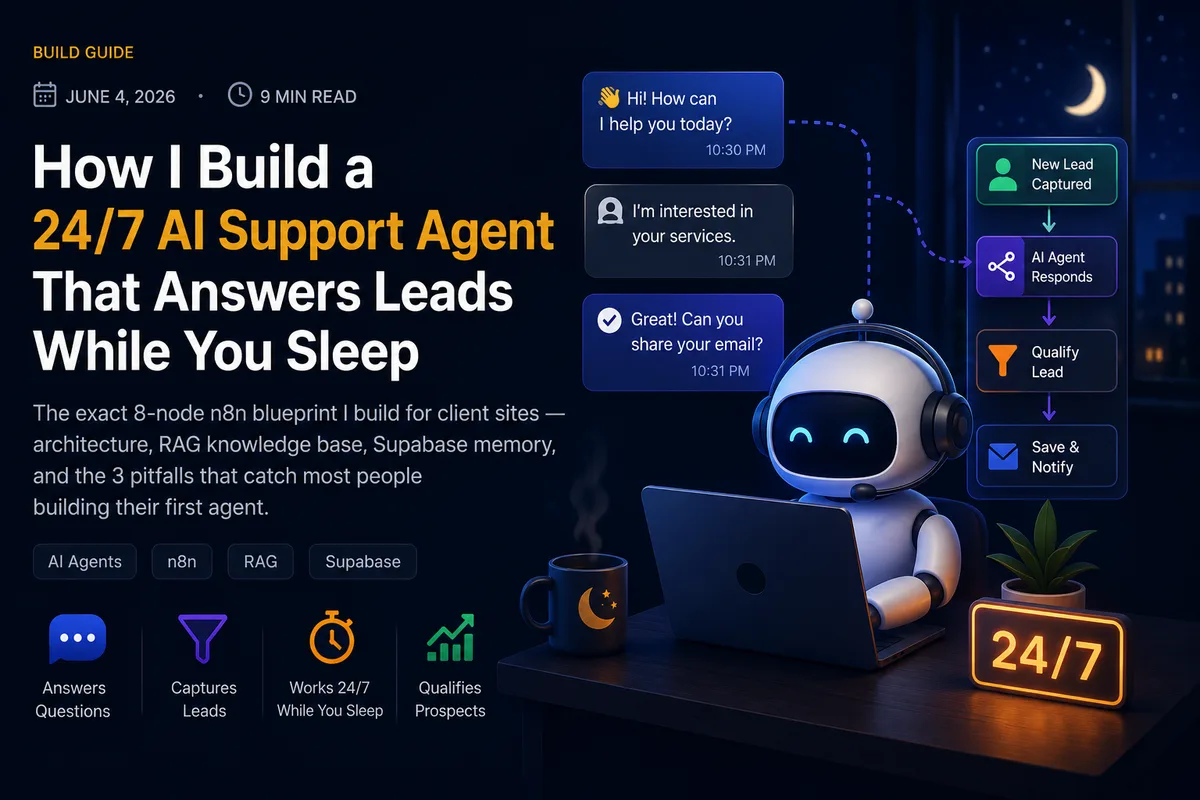
Most websites lose leads at the worst possible time: after hours. Someone lands on your site at 11pm, has one question before they'd book a call, can't find the answer — and they're gone by morning. A well-built AI support agent fixes exactly this: it answers from your knowledge, remembers the conversation, and hands genuinely hot leads to you instead of letting them slip. Here's the blueprint I actually build, node by node.
The architecture at a glance
Website chat → n8n webhook → load knowledge (RAG) → AI agent (Claude/GPT) with memory → reply in real time. Eight nodes, one job: answer accurately from your content and never forget the conversation halfway through.
The whole thing is a single n8n workflow. I keep it deliberately small — eight nodes — because every extra node is one more thing that can break at 3am when nobody's watching. Simple is reliable.
Node-by-node breakdown
- 1.Webhook trigger — the website chat widget POSTs each visitor message here. One public URL, instant.
- 2.Validate & clean — an IF node drops empty pings, bot loops, and obvious spam before they ever hit a paid AI call.
- 3.Embed the question — the visitor's message is turned into a vector so it can be matched against your knowledge base.
- 4.Vector search (RAG) — pulls the 3–5 most relevant chunks from your docs in Supabase, so answers are grounded in your facts, not the model's guesses.
- 5.AI Agent (Claude or GPT) — receives the question, the retrieved context, and the conversation history, then writes the reply in your brand voice.
- 6.Memory (Supabase) — reads and writes the per-visitor conversation so follow-up questions actually make sense.
- 7.Lead capture — when the agent detects buying intent (pricing, booking, 'how do I start'), it logs the lead and pings you.
- 8.Respond to webhook — the reply goes straight back to the chat widget, usually in 2–4 seconds.
The RAG knowledge base is the whole game
An AI agent without RAG is just a chatbot that sounds confident while making things up. RAG — Retrieval-Augmented Generation — is what makes it trustworthy. I take your real content (service pages, FAQs, pricing, past answers), split it into small chunks, embed each one, and store them in a Supabase vector table. At question time, the agent retrieves only the chunks relevant to what was actually asked.
The model stops guessing and starts quoting your business. That single change is the difference between a demo toy and something you'd actually let talk to a paying customer.
Updating it is painless: change a doc, re-embed, done. No retraining, no code deploy — the agent is current the moment your content is.
Why Supabase for memory
Two reasons. First, it does double duty — the same Supabase project holds both the vector knowledge base and the conversation memory, so there's one less service to manage. Second, memory is what makes the agent feel human: when a visitor asks "and how much is that one?" the agent knows which "that" they mean because it can read the last few turns back. Without persistent memory, every message is a cold start and the illusion breaks instantly.
3 pitfalls that catch most first builds
- 1.No guardrails on scope. Left unbounded, an agent will happily answer questions about your competitors or invent a refund policy you don't have. I pin the system prompt to your business and instruct it to hand off to a human when it's unsure — confidently wrong is worse than honestly unsure.
- 2.Chunks too big. Embed an entire page as one chunk and retrieval gets fuzzy — the agent pulls 'sort of related' context and answers vaguely. Smaller, focused chunks (a few hundred words) retrieve far more precisely.
- 3.Forgetting the cost ceiling. Every message is a paid API call. Validating and filtering before the AI node (step 2) — plus capping history length — keeps a quiet month cheap and stops a spam spike from running up a bill.
What a build like this gets you
- Instant answers, 24/7 — no visitor waits until morning for a reply.
- Grounded, on-brand responses — it speaks from your content, in your voice.
- Hot leads surfaced, not lost — buying-intent messages get logged and sent to you in real time.
- A knowledge base you control — update a doc and the agent is instantly current.
None of this requires a huge system. Eight nodes, a tidy knowledge base, and sensible guardrails will out-perform a bloated 40-node workflow that nobody can debug. Build small, ground it in real content, and let it run.
Want an agent like this trained on your business? I'll scope the build and the knowledge base with you on a free 30-minute call — book one and I'll show you exactly where an agent would catch the leads your site is losing after hours.
Want this kind of automation in your business?
Book a free 30-minute audit and I'll map the highest-ROI workflows for your specific setup — no pitch, no commitment.